Every mirror. Every connection. One download.

Hydra splits each file across parallel connections and mirror sources, then rebalances work away from slow peers while the transfer runs. Built in Rust, for the terminal and the desktop.

An engine built to saturate the link

The core is a statistical scheduler for byte ranges. It measures every connection, predicts stalls before timeouts fire, and keeps the fastest paths busy until the last byte lands.

Multi-source, adaptive concurrency

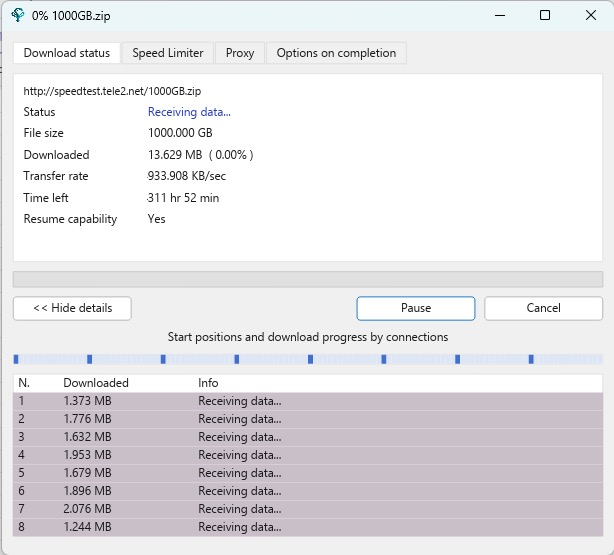
Byte ranges are distributed across parallel connections and independent mirror origins, with the concurrency level discovered automatically per server. Point Hydra at two mirrors of the same ISO and both are drained at once, so high-bandwidth links stay full instead of waiting on a single stream.

Dynamic range stealing

Laggard connections are detected mid-flight and their remaining byte ranges are handed to faster peers, with zero server coordination overhead.

Stall detection before timeouts

Two-sided CUSUM and dual-window statistical estimators flag collapsing or degraded connections long before a traditional timeout would expire.

Integrity end to end

Per-chunk checksum manifests, verification against server-advertised digests like Content-MD5, and local Reed-Solomon erasure coding against bitrot.

Format sniffing & smart sorting

Magic-byte inspection detects the real file type regardless of extension, and downloads can be sorted into category folders automatically.

Protocols, proxies, and a flat memory footprint

HTTP/1.1 and HTTPS via rustls with Mozilla roots, FTP with resume support, HTTP CONNECT tunneling, and SOCKS4 / SOCKS4a / SOCKS5 proxies. Positioned writes stream data straight to disk, so resident memory stays constant whether the file is 10 MB or 100 GB.

A full download manager on the desktop

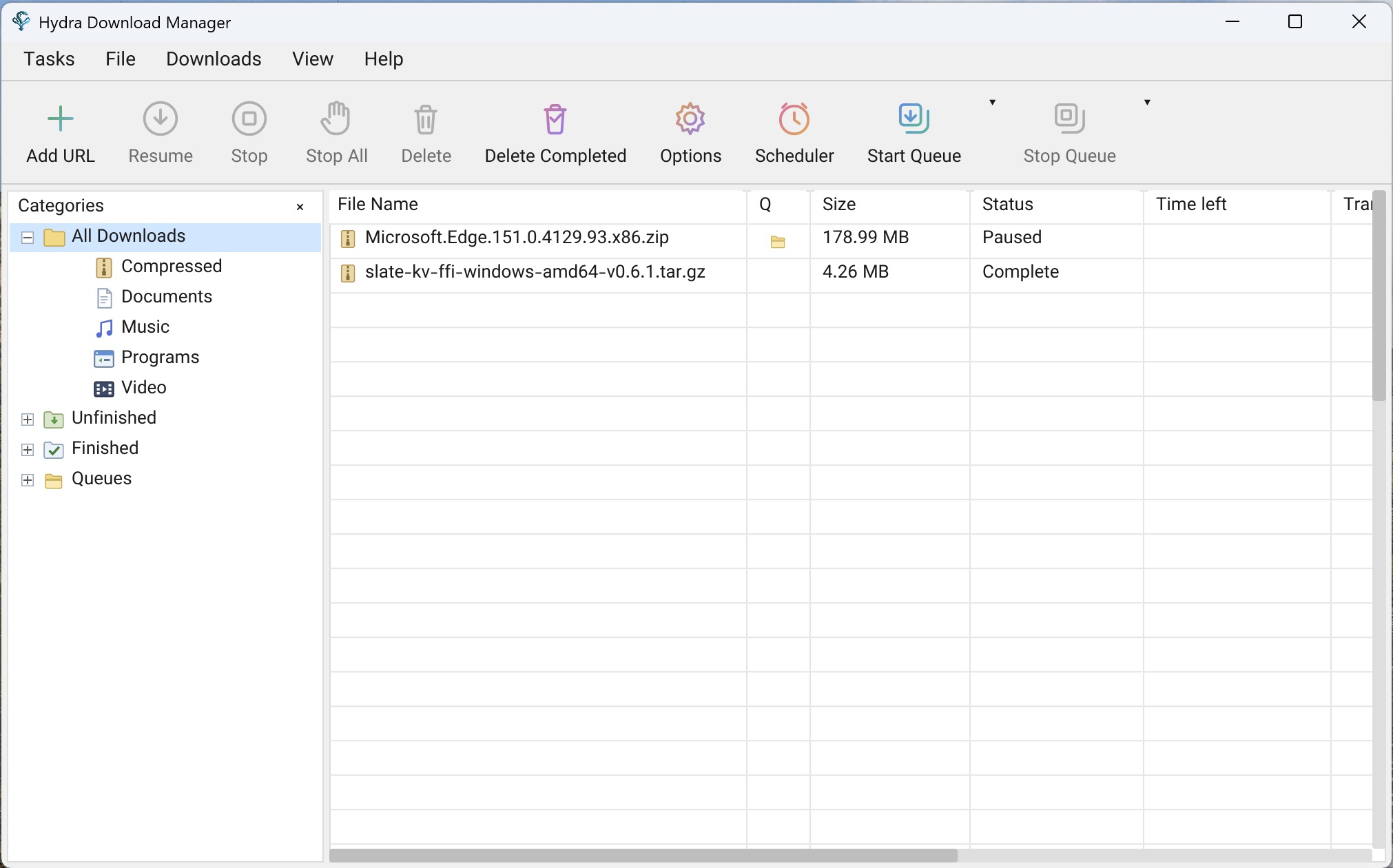
The Hydra app wraps the engine in a native, localized interface for Windows, macOS, and Linux, with the workflow you expect from a classic download manager.

Browser capture

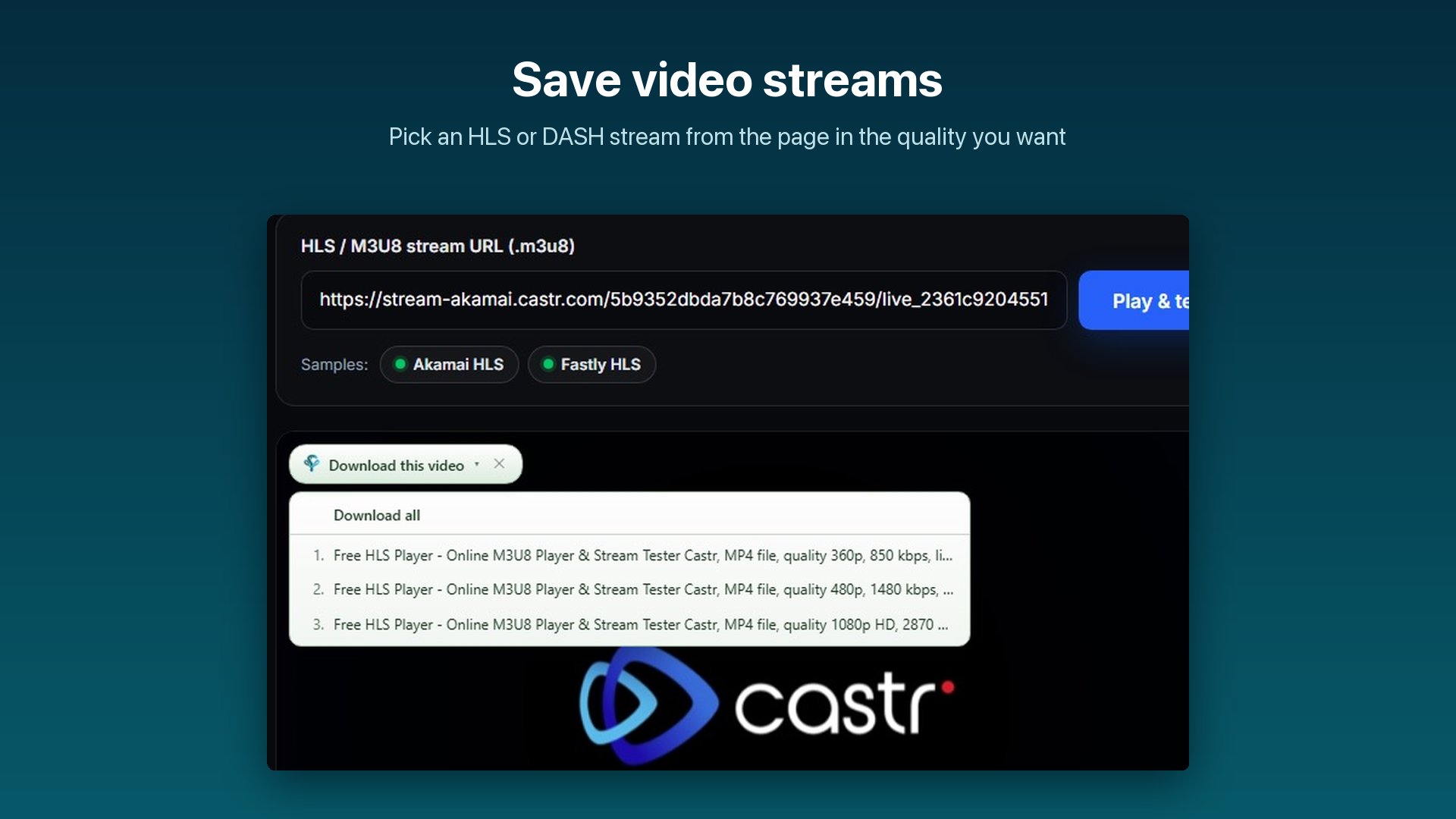
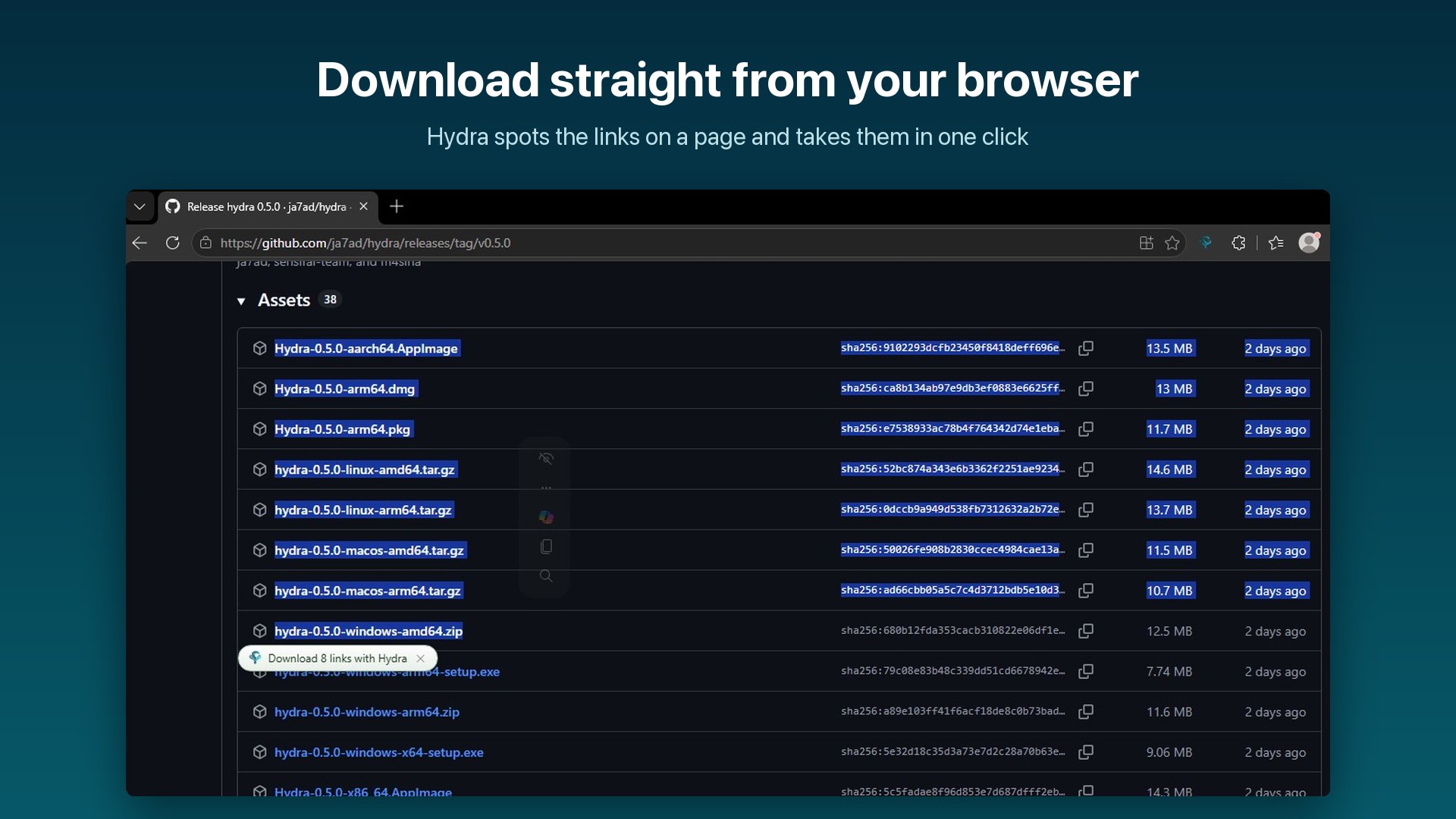
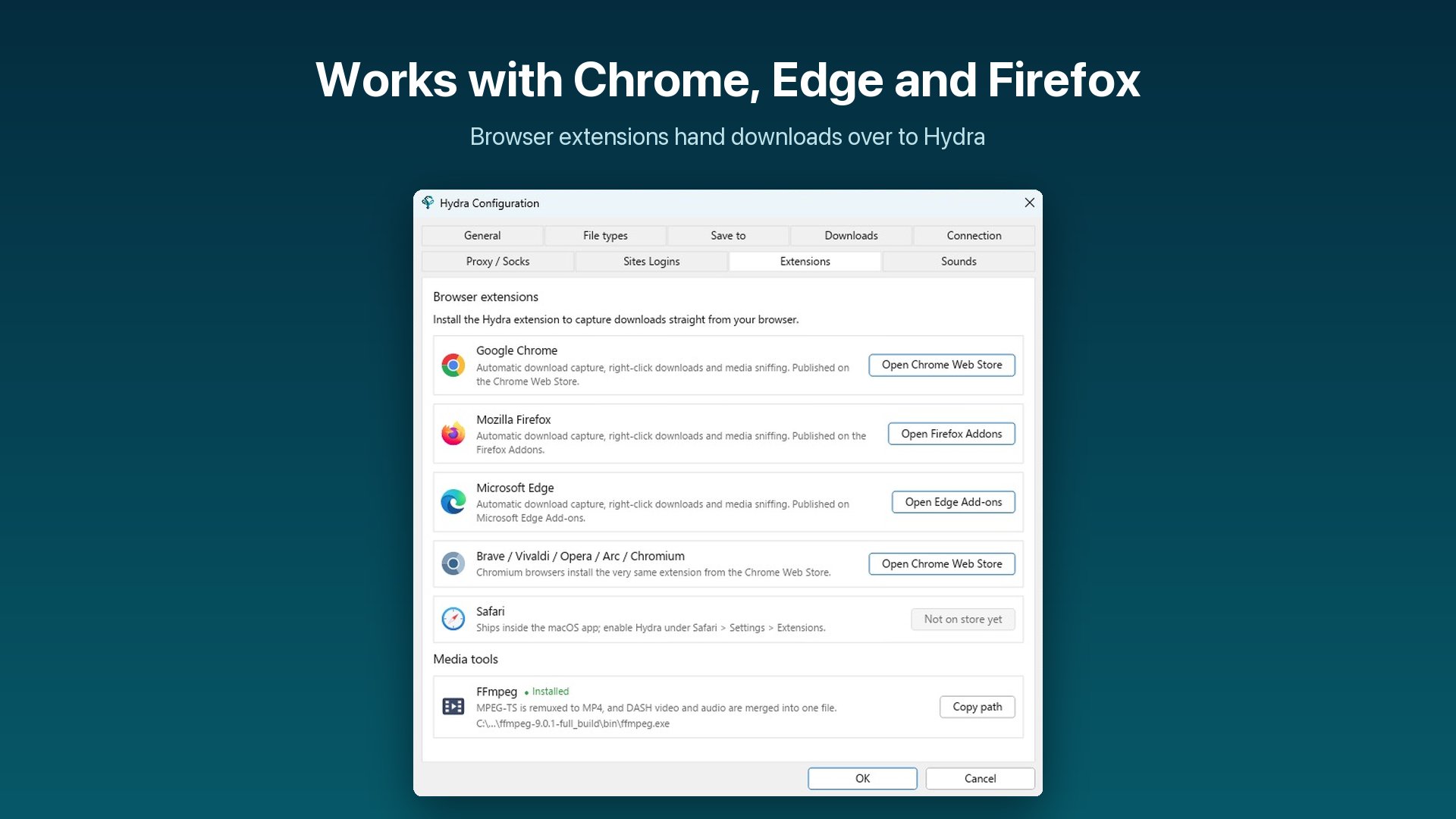
Extensions for Chrome, Edge, Firefox, and Safari hand downloads to the app over a local WebSocket bridge, with a native-messaging fallback that can launch the app on demand.

Queues & scheduler

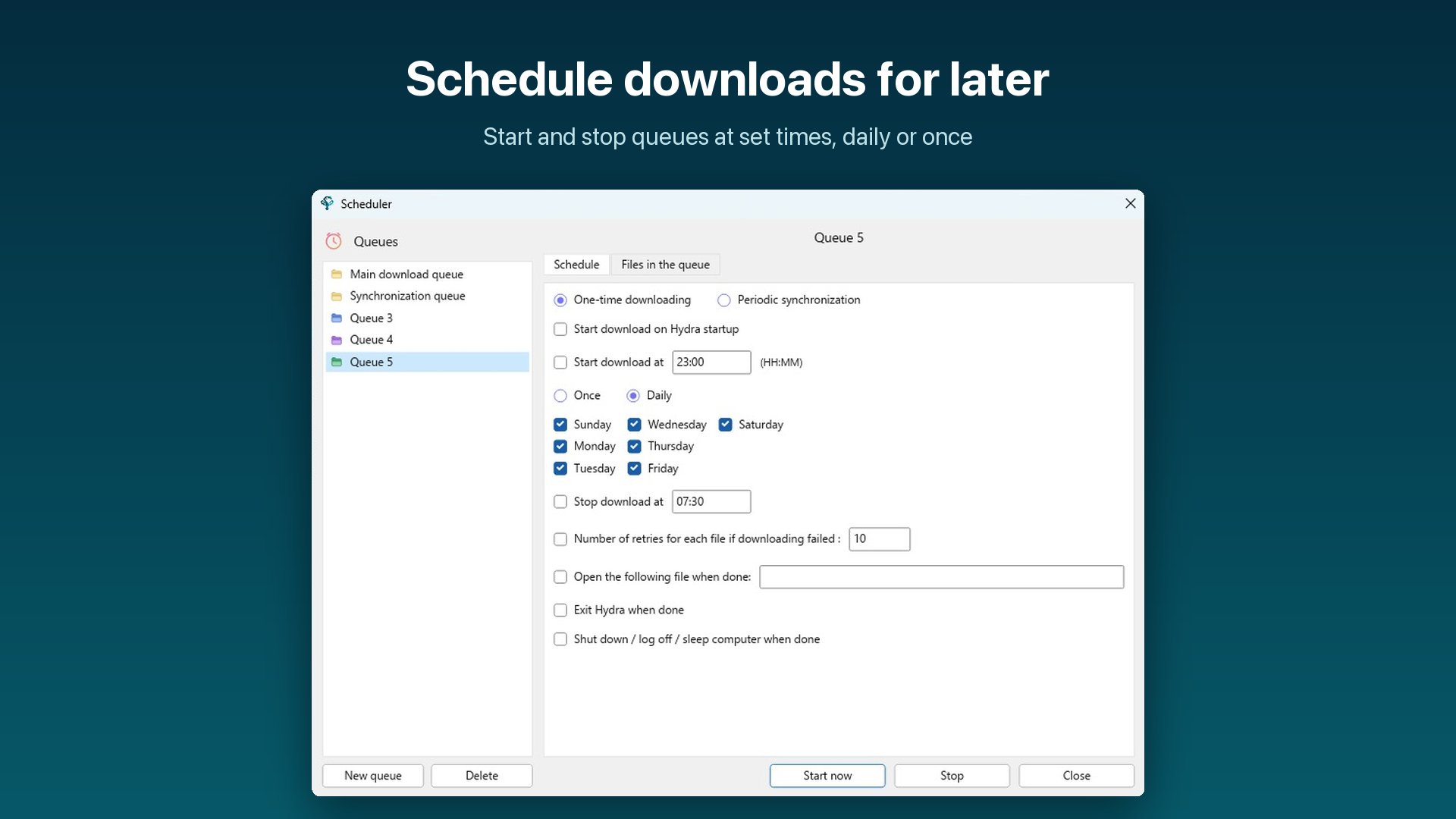
Group downloads into queues with scheduled start and stop times, retry tracking, and one-click start or stop for the whole queue.

Power save mode

One toggle cuts interface wakeups: slower refresh, no progress animation, coarser transfer ticks. Download speed is unchanged while your battery lasts longer.

Clipboard watching

Copy a link and Hydra picks it up automatically, filtered by the file types you choose, with per-site exceptions when you want it to stay out of the way.

Speed limits & connection caps

Cap bandwidth to a fixed budget per interval and set the default connection count per download, so background transfers never starve your video call.

Categories & auto-sorting

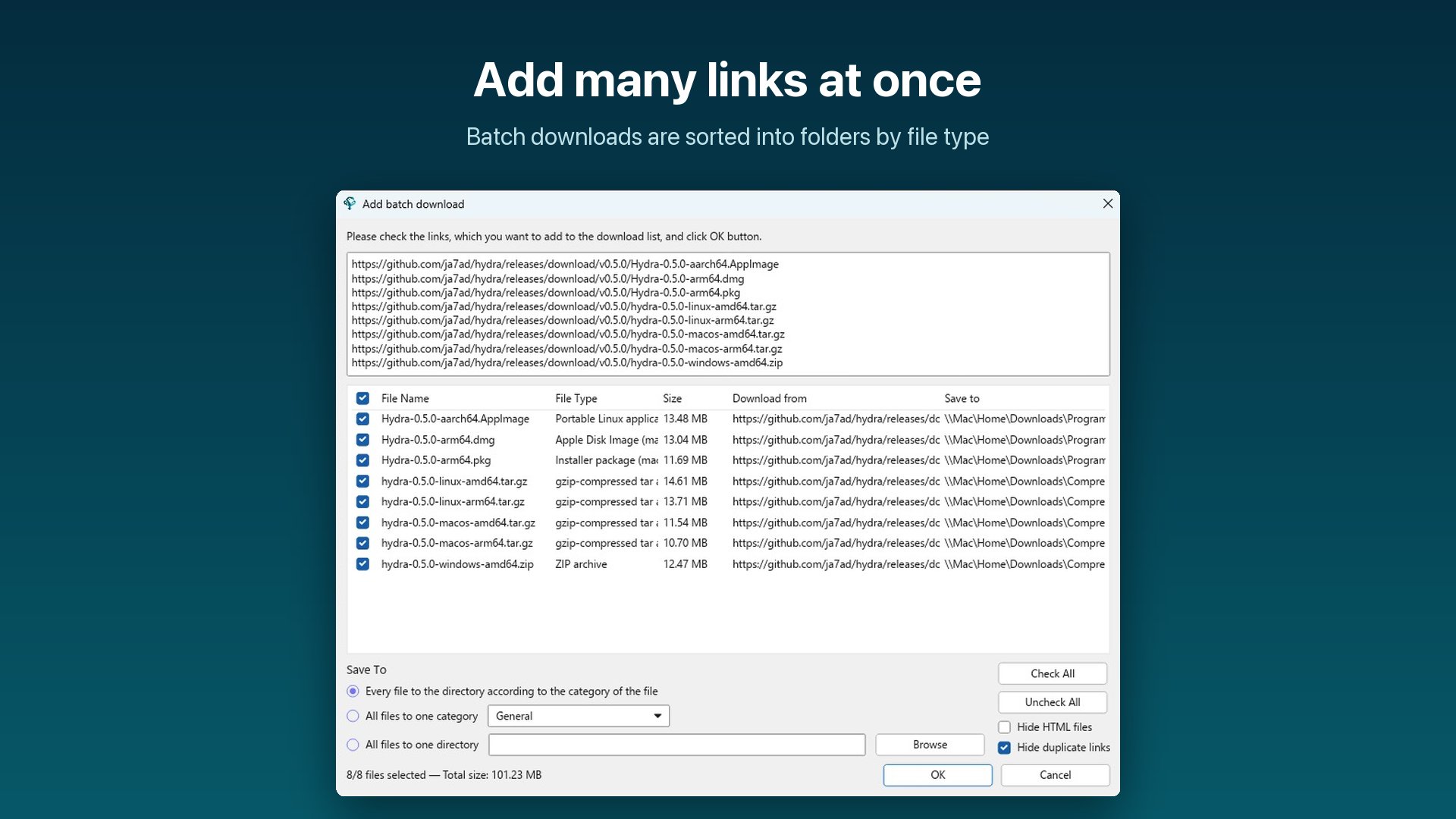
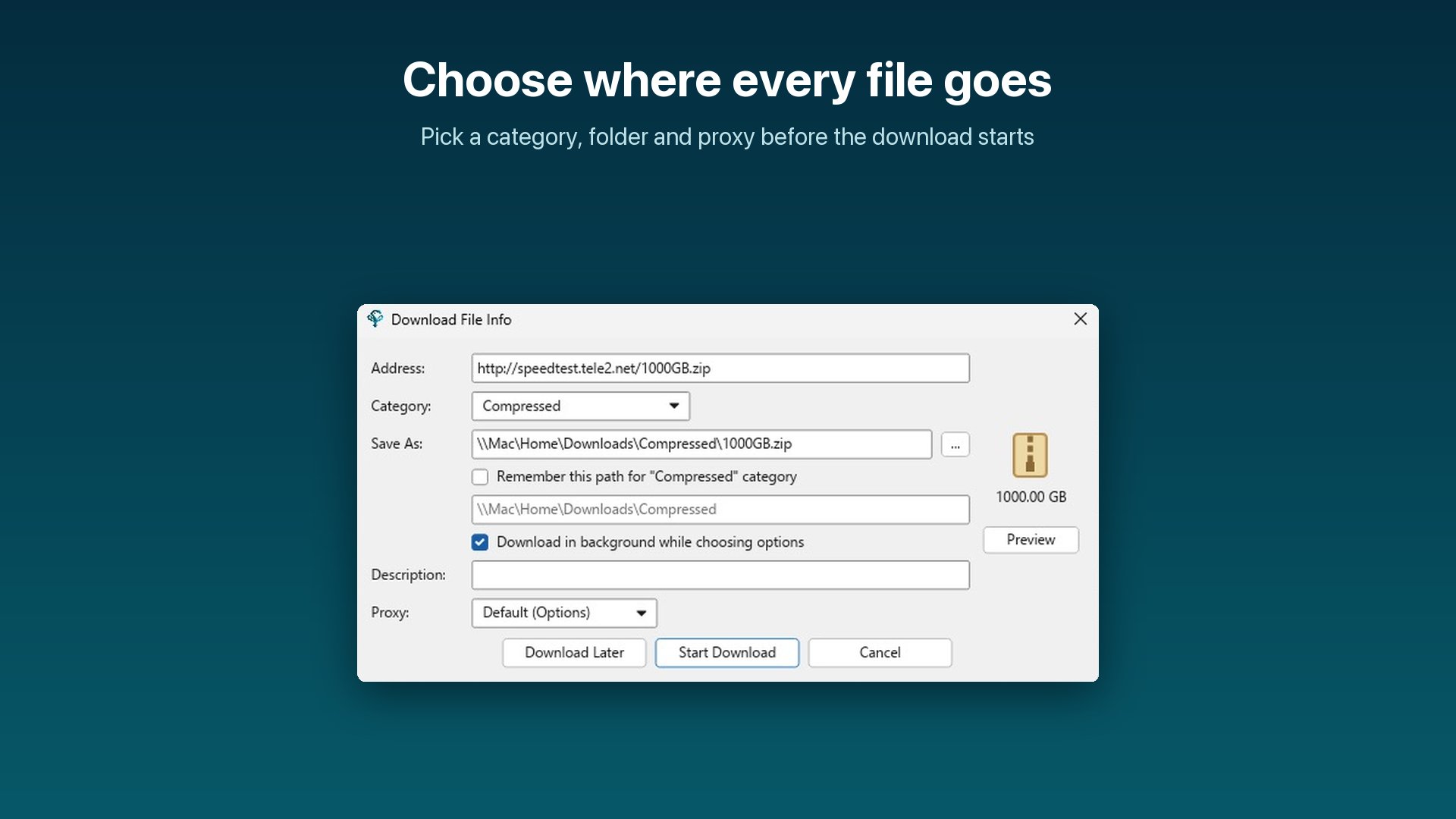
Compressed, Documents, Music, Programs, Video: incoming files are routed to the right category and folder by type, each with its own default directory.

Lives in your tray

System tray with light and dark aware icons, launch on startup, minimize to tray, and optional hiding from the Dock or taskbar for a fully background setup.

Localized, with event sounds

A translated interface, per-event sounds for completed or failed downloads, and a completion dialog with Open and Open-folder shortcuts.


At home in the terminal

The same engine drives a scriptable CLI and a full-screen queue manager, so servers and headless boxes get the multi-source treatment too.

wget and curl compatibility

Compat personalities accept common wget and curl flags as-is, so Hydra drops into existing scripts without edits.

Interactive queue manager

A full-screen TUI for adding, pausing, resuming, and monitoring queued downloads without leaving the shell.

Remote checksum lookup

Inspect server-advertised digests before downloading, or verify the finished file against a target hash inline.

hydra
# saturate the link across two mirrors, 8 connections
$ hydra -x 8 https://mirror1.example.org/ubuntu.iso \
        https://mirror2.example.org/ubuntu.iso

# reuse your wget muscle memory
$ hydra --compat=wget -c -O kernel.tar.xz https://cdn.kernel.org/...

# verify against a target hash while downloading
$ hydra --checksum sha256:e3b0c442... https://example.com/release.tar.gz

# open the interactive queue
$ hydra interactive

Get Hydra

One command installs the CLI, the desktop app, and the browser integration for your OS and architecture.

Windows

Native x64 and ARM64 builds. Windows on ARM runs Hydra natively, no emulation layer.

macOS

Apple Silicon and Intel, with a bundled app, Dock and menu-bar integration, and Safari support.

Linux

amd64 and arm64 archives, plus deb and rpm packaging with tray and autostart support.

curl -fsSL https://raw.githubusercontent.com/ja7ad/hydra/main/install.sh | bash
irm https://raw.githubusercontent.com/ja7ad/hydra/main/install.ps1 | iex

Prebuilt archives are on the releases page, or build from source with Rust 1.80+.